
Secure Client-Side Image Resizer & Dimension Studio
100% Client-Side Processing • Smart Target Size Compression • Batch ZIP Archive Downloads
Resize Settings
Configure dimensions, format, and custom filters
Feature Quick-Guide
File Queue
Manage uploaded assets and preview download sizes
Drag & drop images here, paste from clipboard, or click to browse
Supports AVIF, WebP, PNG, JPEG, BMP, SVG, GIF (first frame)
Preset Templates
Click to instantly populate dimension rows and formats checkboxes
Image Format Optimization Clinical Correlations
Understand visual compression algorithms, raster vs vector formats, and web loading speed benefits
Why WebP is Recommended
WebP is a modern image format developed by Google that provides superior **lossless and lossy compression** for web assets. WebP images are typically **26% smaller** in size compared to PNGs and **25-34% smaller** compared to JPEGs, while maintaining rich transparency support.
Target Size Compression
Visa applications, job portals, and official submission forms often enforce strict limits (e.g. "Max 200 KB"). Instead of manual trial-and-error resizing, our smart bisection compression automatically adjusts pixel count and quality variables iteratively to fit exactly.
100% Client-Side Privacy
Most popular online resizers require you to upload files to their servers. We process pixels **directly in your browser** using HTML5 Canvas. Your sensitive document photos, confidential screenshots, or private images **never** leave your local computer.
Standard Aspect Ratios & Dimension Guidelines
Reference benchmarks for social media channels, banner headers, and web graphics
Social Media Presets
| Platform Target | Standard Size | Aspect Ratio |
|---|---|---|
| Instagram Post | 1:1 (Square) | |
| Instagram Story | 9:16 (Vertical) | |
| YouTube Thumbnail | 16:9 (Widescreen) | |
| Twitter Header | 3:1 (Panoramic) | |
| Facebook Cover | 2.63:1 (Banner) | |
| LinkedIn Banner | 4:1 (Panoramic) |
📁 Canvas Codec Conversion Support
When converting between formats, the resizer automatically handles transparency:
- WebP / PNG to JPEG: Replaces transparent backgrounds with the solid color selected (default: white).
- Chroma-Key Transparency: Evaluates Euclidean RGB distances to clean backgrounds. Excellent for isolating signatures, stamps, or logos.
- Same as Input: Falls back to PNG or JPEG if the input is an animated GIF, SVG, or AVIF (since they cannot be directly written/encoded by the browser's Canvas).
10 Essential Online Converters for Maximum Productivity
Discover the most powerful, free browser utilities that handle file conversion, formatting, and data parsing entirely client-side for absolute privacy and speed.
Read the Complete Guide➝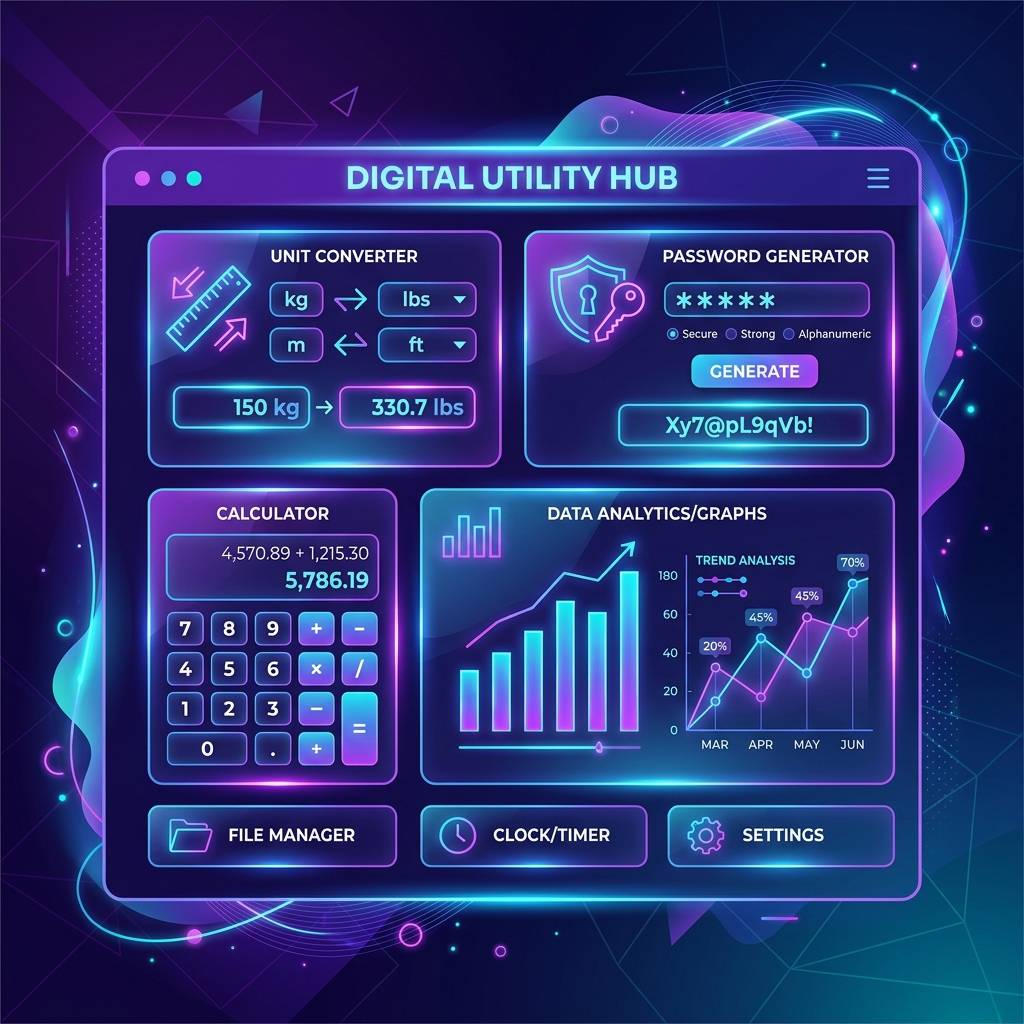
Image to Text, Speech to Text, Screenshot to Table: The AI Tools Quietly Changing How We Work
Learn how the latest generation of localized browser-based artificial intelligence engines are transforming tasks like OCR, transcriptions, and document parsing.
Explore AI Tools Guide➝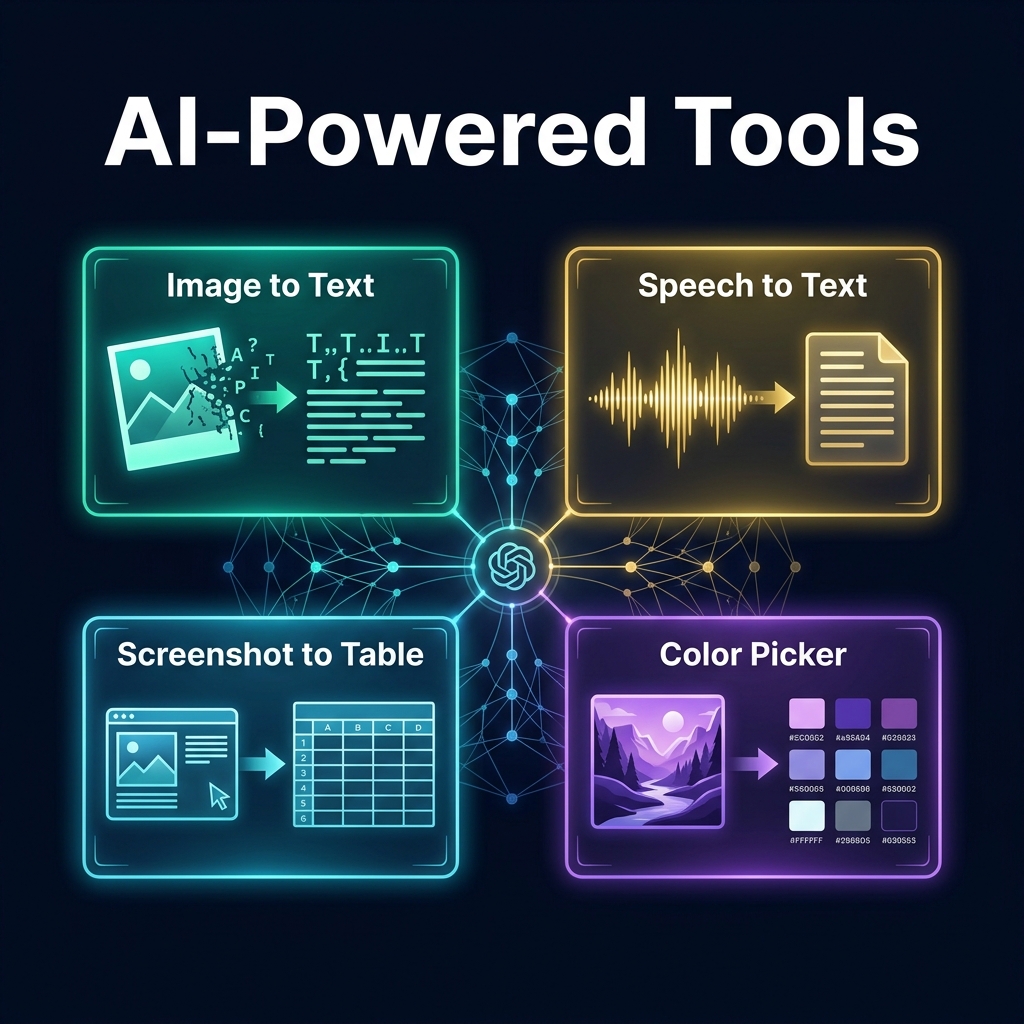
Overview & Capabilities
Resize images to exact pixel dimensions, aspect ratios, or percentage scales with our Image Resizer! Featuring aspect ratio locking, preset social media dimensions (Instagram, YouTube, Twitter/X, Facebook), and format conversion (PNG, JPG, WEBP) running entirely client-side with zero cloud uploads.
How to Use
Key Features
Common Use Cases
Tips & Best Practices
Related Tools

Image Compressor Online
Compress and reduce image file sizes online up to 90% without quality loss. Supports PNG, JPG, and WEBP with 100% private browser processing. Free.

Image Color Picker Online
Extract exact pixel colors from images online. Magnified eyedropper loupe, HEX, RGB, HSL, CMYK codes, and automatic 6-color palette generation. 100% Private.

Image to Text Converter (OCR)
Extract text from images, receipts, screenshots, and scanned documents online. 100% private browser-based OCR supporting over 100 languages. Free.
Video to Image Converter
Extract high-resolution image frames and screenshots from MP4, WebM, and MOV videos online. Frame-by-frame scrubbing and ZIP export. 100% Private.

Pixels to REM Converter
Convert pixels to REM units (px to rem) instantly with custom base font sizing. Perfect for responsive CSS stylesheets, Figma tokens, and accessibility.
Frequently Asked Questions
Q How do you resize an image without distorting or stretching it?
Keep the 'Lock Aspect Ratio' checkbox enabled. When you enter a new width, the resizer automatically calculates the mathematically proportional height.
Q Can I convert image formats while resizing (e.g. PNG to JPG)?
Yes! You can select your desired output format (PNG, JPG, or WEBP) before downloading the resized image.
Q Is there any file size limit for resizing images?
Because resizing uses your local device's hardware acceleration via HTML5 Canvas, you can resize high-resolution 4K and 8K images without server upload limits.